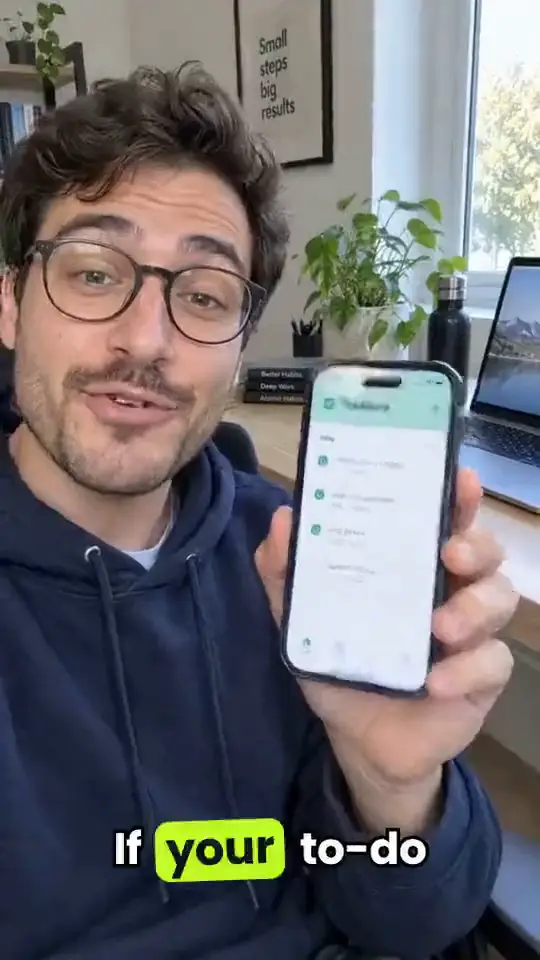
- Why show real screens
- Step 1: Pick one flow
- Step 2: Record it clean
- Step 3: Write the hook
- Step 4: Size and copy
- Mistakes that sink app ads
- Cost and limits
Why show real screens
People install apps and buy software when they can see it working. A generated mockup of your app can misrepresent what it does; a real recording can't. That's why Campaignify never redraws your screens: the recording you upload is what plays.
Step 1: Pick one flow
One ad, one job. Pick the flow that delivers the result fastest: creating the first invoice, finding a match, logging a workout. Start the recording one tap before the good part.
Step 2: Record it clean
- Use demo data that looks real but contains nobody's personal information.
- Turn off notifications and set the clock and battery to something tidy.
- Move slowly enough to follow; pause a beat on the result.
- Record in portrait for a phone app and landscape for a web app.
Step 3: Write the hook
The AI person opens with the problem, to camera, in a line: "I used to spend Sunday night on invoices." Then the screens show the fix. Keep the claim to what the recording proves.
Step 4: Size and copy
Make vertical 9:16 for Reels, TikTok and Shorts and square or 4:5 for feeds. Then write the copy for each platform, including the store or sign-up link. Campaignify writes hooks, primary text and headlines for Facebook & Instagram, TikTok, YouTube, Google Search, X, LinkedIn, Pinterest, Snapchat and Reddit.
Mistakes that sink app ads
- Opening on a logo or a splash screen instead of the problem.
- Showing 5 features in 20 seconds, so none of them lands.
- Claiming a result the recording doesn't show, such as "saves 10 hours a week".
- Tiny text: zoom in on the part of the screen that matters, or record on a larger font.
- Sending the click to a home page instead of the store listing or sign-up.
Cost and limits
App demos are priced in credits like every format, shown on the button before you make it, and failed ads are refunded. You launch them in each app's ads manager, with every ad exported at that platform's sizes and a setup guide for each account. Launching into your ad accounts straight from Campaignify is coming soon, starting with Meta.